Manim Themes
Manim Themes is a Python Module that allows theming of Manim projects with iTerm2 color themes. Have a look at the Example Gallery for a collection of code snippets together with their corresponding output.
Readme


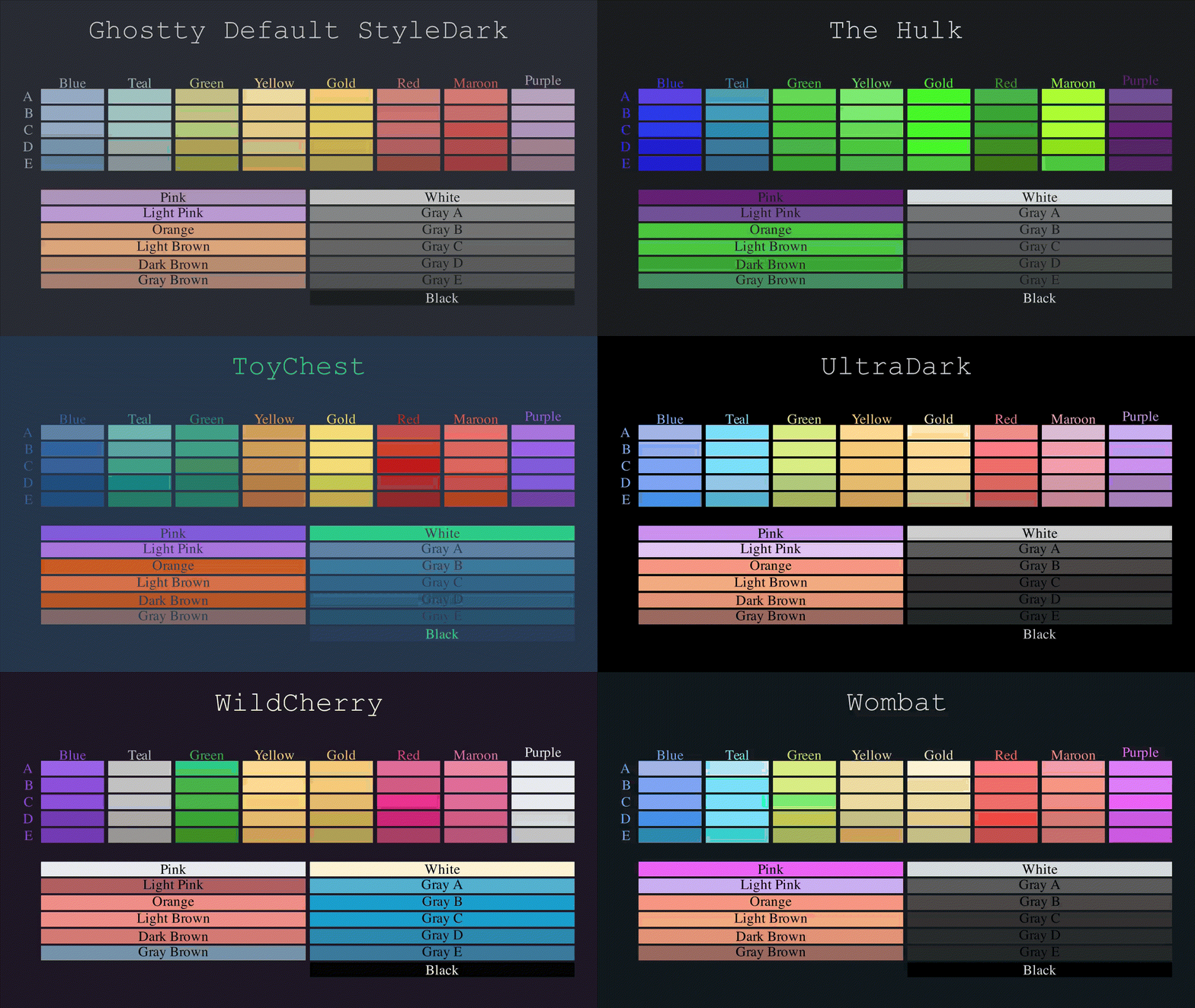
About this Project
This project is a Python Module that provides allows theming of Manim projects with iterm2 color themes. It works by overriding the default Manim configuration with a set of colors that are derived from the selected theme. I am not an expert in how Python looks up variables, and I am not sure if there is a better way for a plugin to realise theming. It works fine for my purposes, but if you have a idea how to improve this, feel free to let me know (by issuing a pull request or opening an issue).
Installation
Install the package with pip:
pip install manim-themes
Minimal Example
NOTE: Please make sure you have manim installed and running on your machine
Below is a minimal example of how to use the Module.
import manim as m

from manim_themes.manim_theme import apply_theme


class MinimalThemeExample(m.Scene):

    def setup(self):
        # Set the background color to a light beige
        theme = "Andromeda"
        apply_theme(manim_scene=self, theme_name=theme, light_theme=True)

    def construct(self):
        my_text = m.Text("Hello World")
        maroon_text = m.Text("I use Manim BTW", color=m.MAROON)
        maroon_text.next_to(my_text, m.DOWN)

        text_group = m.VGroup(my_text, maroon_text).move_to(m.ORIGIN)

        self.play(m.FadeIn(text_group))


if __name__ == '__main__':
    import os
    from pathlib import Path

    FLAGS = "-pqm"
    SCENE = "MinimalThemeExample"

    file_path = Path(__file__).resolve()
    os.system(f"manim {Path(__file__).resolve()} {SCENE} {FLAGS}")
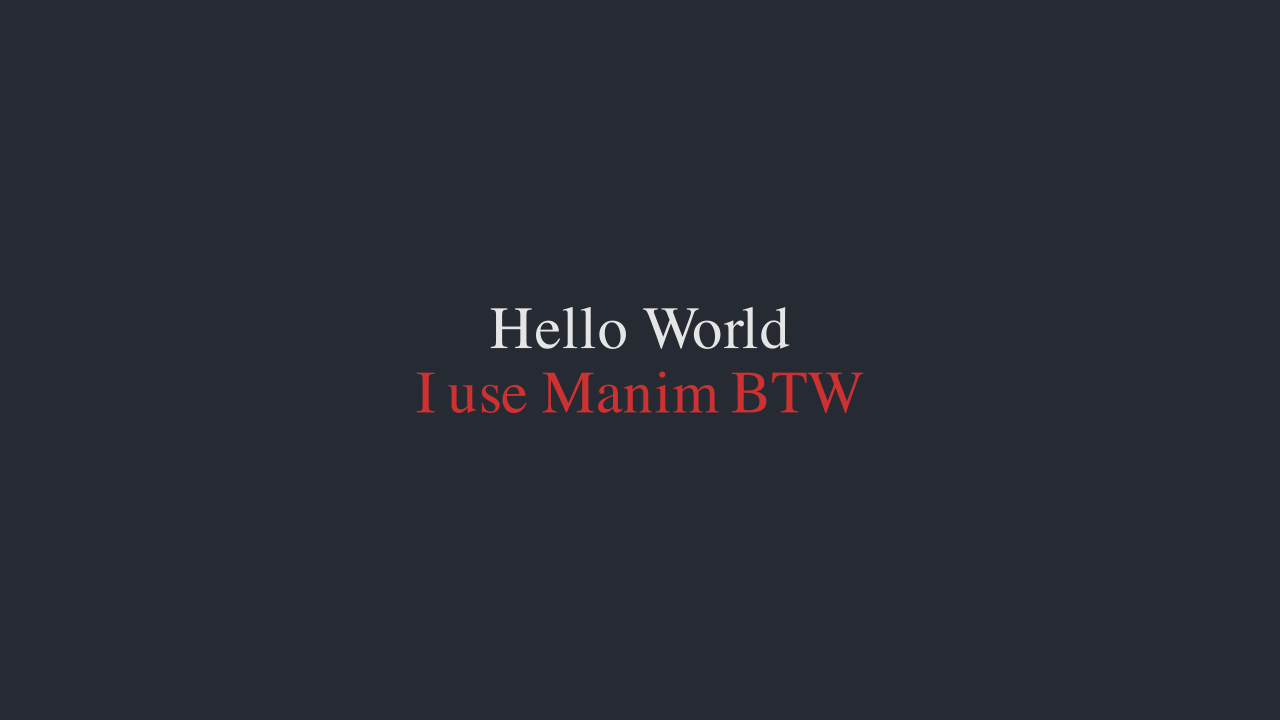
This should yield a Scene that looks like so:
Documentation
This project uses sphinx for generating the documentation.
It also uses a lot of sphinx extensions to make the documentation more readable and interactive.
For example the extension myst-parser is used to enable markdown support in the documentation (instead of the usual .rst-files).
It also uses the sphinx-autobuild extension to automatically rebuild the documentation when changes are made.
By running the following command, the documentation will be automatically built and served, when changes are made (make sure to run this command in the root directory of the project):
sphinx-autobuild ./docs/source/ ./docs/build/html/
If sphinx extensions were added the requirements_dev.txt file needs to be updated.
These are the requirements, that readthedocs uses to build the documentation.
The file can be updated using this command:
poetry export -f requirements.txt --output requirements.txt --with dev
This project features most of the extensions featured in this Tutorial: Document Your Scientific Project With Markdown, Sphinx, and Read the Docs | PyData Global 2021.